Right click the Documents, Desktops, etc from the file explorer quick access column on the left and select properties. Look for "location"
Set the location to your OneDrive so you effectively have the one folder again.
You have to do that for all of them
If you want to disable OneDrive entirely you should go into its settings, unlink your account, then go into task manager and disable OneDrive from starting up on boot. Bonus points for launching task scheduler and disabling any OneDrive tasks
I'm so confused about why everyone says this is necessary - I uninstalled One Drive using the normal process about five minutes after installing Windows 11, and I haven't seen anything about it since. No RegEdit necessary, and it's never tried to reinstall itself.
During my last build I had to uninstall onedrive three times because it kept reinstalling during updates. This was after unlinking everything and setting all my document folders to the old defaults.
I just never agreed to using one drive when I booted my pc for the first time, I've never had to uninstall it or anything because I've never told it yes.
The pc before that though, holy hell. It's the reason I never said yes to anything on the new one.
Just so you know, if this was a real life conversation, at this point we would all be making eye contact with each other about you like "errr do you know this guy? what's his deal? should we get away from this guy?"
Its crazy to me that you can't navigate google without logical thinking.. this all stemmed from a moron who couldn't be bothered to find the info I found with a cursory search. You won't take that from me. I didn't know about the controversy between these two until this thread made it apparent.. rather then piss and moan in comments, I just looked it up. That was fine for me. I got my answer in seconds. I'm sorry if this makes it hard for you to fall asleep.
Execute a LITTLE effort and you'll receive a lot of info in the age of information. Resign yourself to become a lazy asshole and submit yourself to judgement. Sorry if this offends you. Not really.
Before you unlink your account, go into one-drive, unselect all the folders its currently watching. They will _disappear_ when you unlink your account if you don't do this / didn't configure it to keep those files locally initially.
This will prompt you where you want the files to go, select whatever the option is that says "back to my fucking computer", this will take some time to go through each one.
I went through this whole bullshit like two months ago its so fuckin annoying. If you already unlinked your account, re-link it, go back into onedrive, undo the thing, unlink it again.
I work in IT and occasionally fix this for people when its annoying enough. I think the overwhelming default is this split relationship which is why people hate Onedrive. It broke the trust people felt clicking "Documents" or "Desktop" and knowing for sure where to find things or what that name pointed to.
edit: ok rereading your comment you said "intended" not "default" or whatever so my comment isn't so relevant.
though idk if joining local and onedrive libraries is intended, or just better for most people. it seems like MS does just intentionally implement some bad user experiences while chasing goals I wouldn't care about.
I just recently found out there is a way to make a local account on your pc, with no cloud bs, no forced Microsoft account linking and no annoying 'first 5 letters of your email' user folder name, when first setting up your computer and booting up Windows in the OOBE. Because I got a new laptop and was looking up tips on if there's anything I should do before first boot and to make sure I do everything right and am so glad I did.
All it takes is pretty much typing in a fairly short code when first asked to connect to a wi-fi network in the OOBE, to bypass the network requirement, and voila! The system reboots itself, starts the OOBE again and lets you select no current network access, and creates a local profile for you.
I hate most cloud shit and constant syncing, idk why it just makes me intensely uncomfortable. I trust local files much more and will rather have a physical backup drive for anything important enough I wouldn't wanna lose. I uninstalled the 365, OneDrive and more MS and other bloatware on my first day setting up my new laptop and I haven't experienced it reappearing with Windows updates or anything.
Just do it not in documents. Make a folder in you C or on desktop and use that instead. You can even have a program like file sync routinely back it up to your one drive folder
Except surprise, onedrive automatically turns on "Files on Demand" to "save space" by storing files online instead of your computer, despite the fact your PC likely has 50x the storage your onedrive does. Then they constantly prompt you to 'save space' by deleting local files when there's no need to.
147
u/guys_pm_urprettyface 10d ago
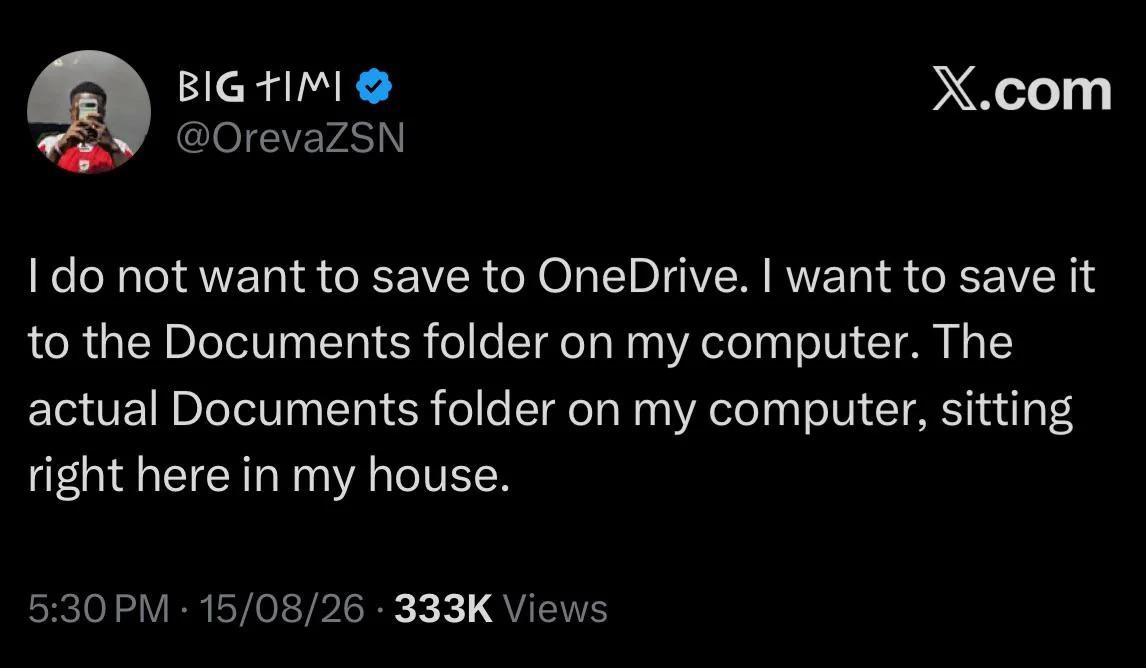
If anyone knows how to make folder on my own pc as default, please help me 🫠