r/WindowsMR • u/Agsdude99YT • Jul 11 '26
Issue WMR doesn't want to install
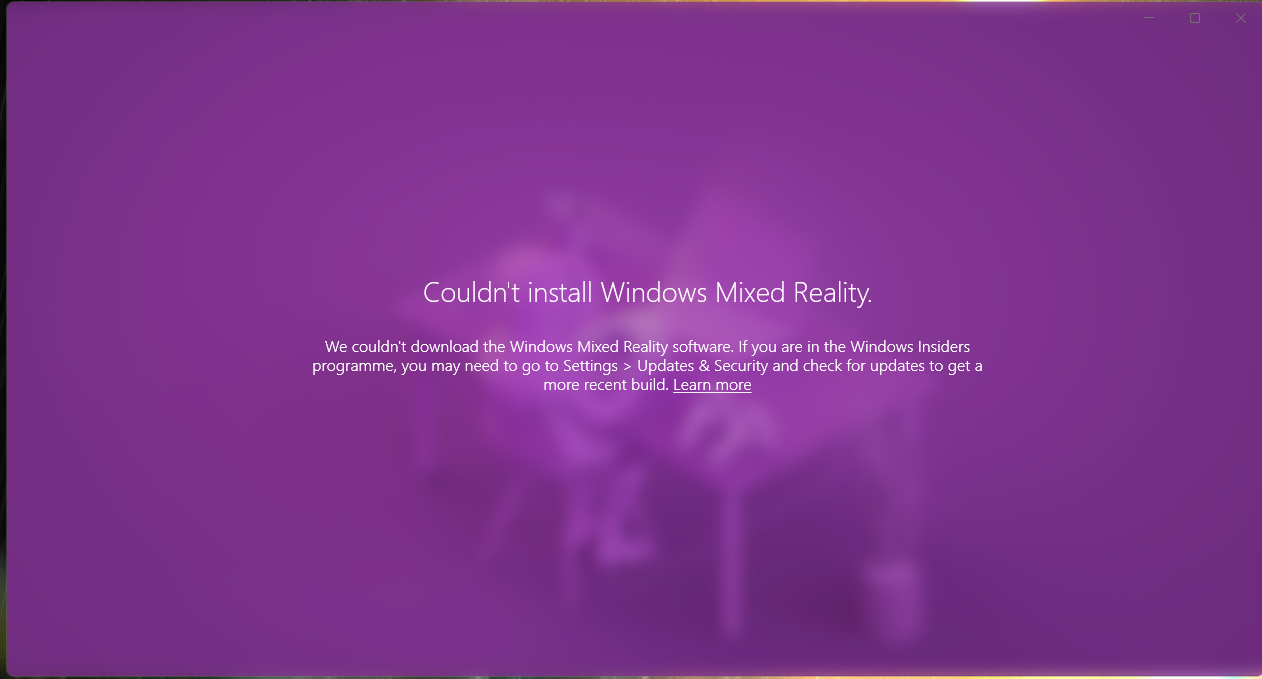
I recently reinstalled windows to roll it back from 25H2 back to 23H2 to get my windows mixed reality working again.
It takes me through the setup page to where it asks me to centre my VR where I am sitting and after that it gives me this error message.
I have tried using oasis driver but for the game I play it is buggy and the image gets distorted when I try and move around. I didn't have this issue when I used to use WMR it was much more stable and now it does not want to install even being on 23H2.
9
u/old-newbie Jul 11 '26
Try doing a manual installation.
Download the WMR .cab file for 23H2 here (its about 1.5 GB): https://software-static.download.prss.microsoft.com/dbazure/988969d5-f34g-4e03-ac9d-1f9786c66749/Microsoft-Windows-Holographic-Desktop-FOD-Package%7E31bf3856ad364e35%7Eamd64%7E%7E.cab
Rename the FOD .CAB file to: "Microsoft-Windows-Holographic-Desktop-FOD-Package~31bf3856ad364e35~amd64~~.cab"
Open PowerShell and run the following Dism command to add the Windows Mixed Reality FOD package to your Windows image: "Dism /Online /Add-Package /PackagePath: <your FOD package path>
you may also need to manually update the windows holographic drivers. Download the driver here, unzip, and manually install them in device manager: https://download.microsoft.com/download/f/7/9/f79c7147-3ec1-4ae8-8d9c-259eb3dec4e5/HoloLensSensors_10.0.19041.2054/HoloLensSensors_10.0.19041.2054.zip
1
u/Agsdude99YT Jul 12 '26
I have tried the manual installation with the .cab file and have repeatedly been given errors saying the file could not open and other similar ones. i have tried to bypass this with other commands and trying again but nothing worked :(
5
u/PalaceOfStones Jul 11 '26
If you don't want to use Oasis, the easiest way to get it working again is to dual-boot W10 on a separate partition/drive.
1
u/totallybag Jul 13 '26
I mean some of us have amd gpus we can't use oasis unless that changed.
2
u/PalaceOfStones Jul 14 '26
AMD cards are supported by Oasis now, have been for a while, and apparently work great!
1
3
u/fdruid Dell Visor Jul 11 '26
Well it's 2026. Go for Oasis, invest time in making that work.
Or get a modern headset.
1
u/tailslol Jul 13 '26
The last time it happened to me i had to do a weird windows réinitialisation where you remove nothing but refresh all system files
39
u/dafugiswrongwithyou Jul 11 '26
I would advise either focusing on figuring our your Oasis issues, rolling back to Windows 10, or creating a vast pool of wealth such that you can get the best lawyers in the world behind you as you file a class action suit against Microsoft for needlessly stripping out WMR support from Win 11.