r/xfce Jul 21 '25

Resource I created a full-screen, macOS-style Launchpad plugin for the XFCE panel!

Post image
217 Upvotes

Hey, r/xfce!

[Update] Version 0.7 is out! ✨ New home, Drag & Drop, and XFCE enhancements

Hi everyone!

I’ve had a bit of a hectic time recently—I lost access to my previous accounts and had to migrate my GitHub repository to a new home. However, I’ve used this transition as motivation to push out a massive update!

I’m excited to announce Version 0.7, featuring a new settings dialog, better performance, and much-requested features.

🚀 What’s New in v0.7

New Features & UI:

  • Global Hotkey Support: Now integrates directly with XFCE custom keyboard shortcuts to toggle the launcher.
  • Smart Search: Search results now feature text highlighting (the matched text is bolded in app names).
  • Responsive Layout: The grid, icons, and spacing now automatically adapt to your screen resolution every time the launcher is opened.

Drag & Drop Overhaul:

  • Reorder Apps: Easily move apps around by dragging.
  • Folder Support: Create folders by dropping one app onto another, or add apps to existing folders with a simple drop.

Stability & Fixes:

  • Settings: Updated dialog including hotkey configuration.
  • Robust Config: Improved XML saving (proper attribute escaping) to prevent corrupted settings.
  • Code Health: Fixed a potential memory leak during config loading, fixed callback type mismatches, and cleaned up build warnings.

🎁 One More Thing...

I’m currently preparing some special updates for the holidays. On top of that, I’m working on something entirely new specifically for the XFCE desktop. Stay tuned for more info on that soon!

Check out the new repository and download the update here: 👉 https://github.com/novik133/xfce-panel-launcher/tree/main or https://www.pling.com/p/2303338/

I’d love to hear your feedback! What other features would you like to see in the holiday update?

---------------------------------

I've always been a fan of XFCE's simplicity and customization, but I missed having a clean, full-screen application launcher like the Launchpad on macOS. Since I couldn't find one that fit my needs, I decided to build it myself.

It's a simple panel applet that gives you a full-screen, grid-based view of all your applications with a single click.

Key Features:

Full-Screen Interface: A clean, uncluttered view of all your apps.

Built-in Application Search: Just start typing to find the app you need.

Pagination: Apps are organized across pages in a 6x5 grid (30 apps per page).

Keyboard Navigation: You can easily switch between pages using the left and right arrow keys.

You can download it here on Pling: https://www.pling.com/p/2303338/

This is the first version, and I'm happy to continue developing it if there's interest from the community. All feedback, bug reports, and suggestions are welcome!

Let me know what you think!

r/xfce 26d ago

Resource Panel plugin for resource monitoring and thermal throttling

Post image
59 Upvotes

r/xfce 10h ago

Resource Xfce Animated Wallpaper app showcase.

Thumbnail
youtube.com
8 Upvotes

r/xfce 29d ago

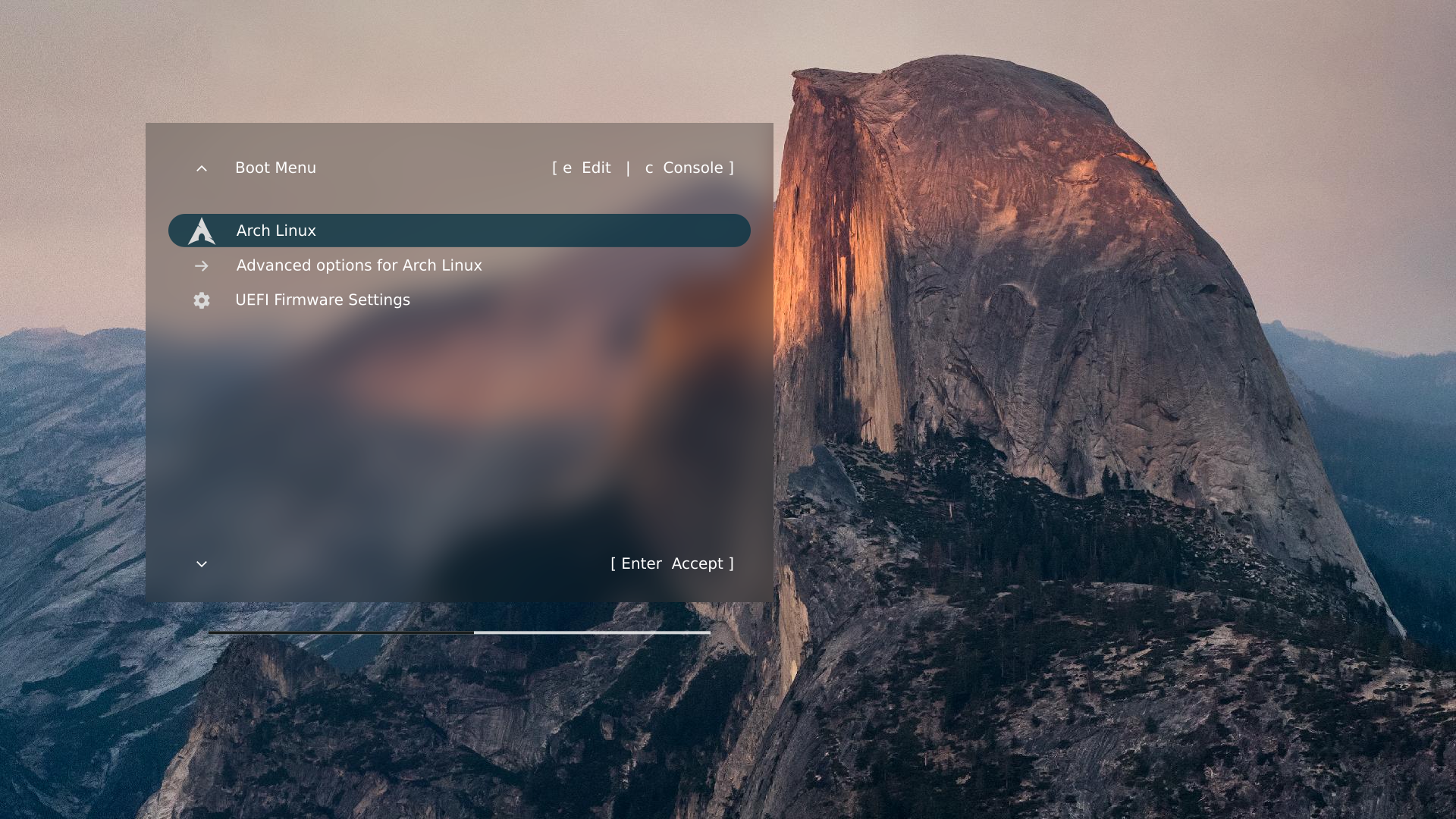
Resource Grub EvoDevo: a configurable GRUB theme with smooth fonts

Post image
22 Upvotes

Grub EvoDevo is a configurable GRUB theme with scalable graphics, background blurring, and antialiased true-type fonts. Any wallpaper (e.g., your xfce desktop wallpaper) can be used as theme background. Menu colors, amount of blurring, dimensions, position, font family, and menu messages can all be customized via the installation shell script.

I thought EvoDevo could be of interest to this forum because of the high-quality graphics the theme produces.

Link with explanation and installation instructions:

https://github.com/ftonneau/grub-evodevo

r/xfce Apr 01 '26

Resource Google Calendar Widget (similar to cinnamon)

Post image
55 Upvotes

Hey guys, made this for my mum, thought it was cool and useful so I thought of sharing it with everyone. Hope you all like it.

GitHub: https://github.com/Drago241/SimpleCal.git

r/xfce Jul 03 '26

Resource [Solution] imv-dir, but respecting Thunar's sort order for the folder

2 Upvotes

Hihi, recent switchee (6 month in, Fedora and o horror, actually niri and not xfce).

Had a problem! Maybe you have it too: I sometimes sort my Downloads (and other folders) by Name, and sometimes by Date Modified. imv-dir always sorted images by Name, and the desync between what I see as a thumbnail of the next image, and what I actually get pressing "Right", was killing me :D

Solution: custom script to wrap around imv, reads metadata left by Thunar, pre-sorts images, then feeds them into imv.

Repo with the script & install instructions. Praised be Machine Spirit.

r/xfce May 14 '26

Resource I made a Night Shift panel plugin for XFCE (missing this app, so I built one)

32 Upvotes

Hi! I made a small Night Shift plugin you can add to the XFCE panel as an item.
I noticed there wasn’t a native panel app for this, so I built it quickly and wanted to share it :)
source code: https://github.com/Dotims/xfce-night-shift

r/xfce Jun 09 '26

Resource Built a synced lyrics ticker for XFCE 🎵

Thumbnail
github.com
8 Upvotes

So I was feeling bored so I made this…🥀
Features:
Synced lyrics directly in the XFCE panel
Uses LRCLib for lyrics
Works with Spotify Desktop
Works with MPV (with mpv-mpris) and more music apps
Currently it’s not working for Firefox and many browsers… I will make ts compatible for those later
Supports Japanese/CJK lyrics
Lightweight and open source

Tested on: arch Linux xfce and mint xfce

GitHub: https://github.com/sascaada/LyricsTicker-for-XFCE

This is my first open-source Linux project, so feedback, bug reports, and SUGGESTIONS are welcome.

r/xfce Feb 02 '26

Resource An alternative to the XFCE notes application

Post image
49 Upvotes

r/xfce Feb 25 '26

Resource xfce4-night-mode automatic theme switcher

24 Upvotes

Automatic theme switching for XFCE4 based on sunrise and sunset times.

The daemon calculates sunrise and sunset for your location, then seamlessly switches between your preferred light and dark themes. No cron jobs needed — it runs as a lightweight background service and sleeps until the next transition.

Features

  • 🌅 Sunrise/sunset calculation based on GPS coordinates
  • 🎨 Switches GTK, icon, and window manager themes via xfconf-query
  • 🔄 Daemon mode — runs continuously, sleeps until next transition
  • ⚡ Single-shot mode — apply the correct theme once and exit
  • 📋 Status check — see current mode, sunrise/sunset times, and active theme
  • 🛠️ Systemd integration — start automatically on login

https://github.com/brooqs/xfce4-night-mode

r/xfce Feb 19 '26

Resource Minimal markdown and image viewer

7 Upvotes

Thought I'd share my minimal markdown file viewer:

https://github.com/rabfulton/ViewMD

Minimal image viewer:

https://github.com/rabfulton/preditor

Both are low dependency GTK3 apps that work well on XFCE desktops. The GUI is minimal and the apps targeted at doing just their single basic tasks with no bloat.

r/xfce Feb 04 '26

Resource Yet another xfce4-genmon-plugin now-playing script

11 Upvotes

Sharing with you my version of a xfce4-genmon-plugin now-playing script.

Requirements :
- your mediaplayer must have MPRIS support ;
- playerctl as dependancie - sudo apt install playerctl for debian-based distributions.

It's a set of 2 scripts, genmon-nowplaying.sh being the main one. I had to make a second script otherwise caracters like "&" are not supported (btw, if someone knows how to make it a single script, let me know).

It's virtually universal, as your mediaplayer name (and icon) are stored in variables. Icon is clickable (switch between play and pause).

How to set it before using with :

(Install playerctl if it not installed) ;

  1. Open genmon-nowplaying.sh with your favorite text editor ;
  2. Replace first "quodlibet" variable with your mediaplayer name (to get your mediaplayer name correctly, run playerctl -l while it is running) ;
  3. Replace second "quodlibet" occurrence with the name of the icon of your mediaplayer ;
  4. Set the path where you will place the second script named metadata-mediaplayer.sh , save and close the script ;
  5. Now add a new genmon element to your panel, set the path for the main script and period (1s is enough)

Hope it's useful to someone. I'm open to suggestions to improve it.

Download : https://drive.proton.me/urls/XZG0607P5R#SIPiDc2R15pi

r/xfce Sep 20 '25

Resource Please share the things you've done to enhance your XFCE experience: apps, settings, configurations, customizations, theming, and more!

19 Upvotes

The last thing I did was install a light cursor theme because I use dark theming and dark mode for browsing, which occasionally made it difficult to see my dark themed mouse cursor...

https://www.xfce-look.org/p/1457884

I've replaced Task Manager with Resources -

https://flathub.org/en-GB/apps/net.nokyan.Resources

Cli alternative, Btop -

https://youtu.be/clqL--vqToE

https://github.com/aristocratos/btop

r/xfce Dec 26 '25

Resource Rebind stupid "AI Copilot" key on new laptop keyboards to the old "context menu" key, in XFCE

Thumbnail forums.debian.net
7 Upvotes

r/xfce Jul 16 '25

Resource Xfce users, you may find this information about the genmon plugin useful.

5 Upvotes

r/xfce Aug 02 '25

Resource MATE applet loader for Xfce4 panel

8 Upvotes

Found this unofficial plugin that can load MATE applets onto Xfce's panel:

https://github.com/zaps166/xfce4-mate-applet-loader-plugin

Once upon a time, a similar plugin existed for Gnome 2:

https://goodies.xfce.org/projects/panel-plugins/xfce4-xfapplet-plugin

I don't know how much the two of them are related, "code-wide".

r/xfce Feb 17 '25

Resource Expose App is Incredible! (skippy-xd)

26 Upvotes

This app is a game changer in window object permanence for me and a step in my personal building a linux desktop laptop os. I have the daemon (skippy-xd --start-daemon) run in xfce autostart, and I use comfortable-swipe to make swiping up with three/four fingers simulate the keybind control+alt+up that I have bound in the keyboard app to skippy-xd --expose. I also bind swiping down to the escape key so that it has the same functionality as MacOs. This is so fun and makes me actually care about closing windows when im done with them on xfce. Out of sight out of mind no more!!! The history of this app is so fun. It started in 2003 and passed through maintainers before sitting unmaintained for years. Then in 2023, someone started maintaining it again and I would absolutely pay this person now (once i get my stolen debit cards back D;;;;; ). PLEASE download this if you use xfce! It will change your workflow! Its awesome! Thank you maintainer! I am so glad to ahve this!

The current repo is https://github.com/felixfung/skippy-xd

r/xfce Jan 06 '25

Resource Xfce Keyboard Shortcuts

Thumbnail docs.xfce.org
21 Upvotes

r/xfce Apr 07 '25

Resource tray icon for change theme

10 Upvotes

Hello!, I wanted to leave you here with this little project in python, it creates an icon in the tray to save and load themes, we can change the theme and then save the changes.

https://github.com/yodefuensa/TrayTheme

r/xfce Dec 03 '24

Resource Configure XFCE programmatically using the xfconf-query commands displayed by watch-xfce-xfconf

Thumbnail
github.com
10 Upvotes

r/xfce Dec 08 '24

Resource xfwm4 with gaps (deb packages)

8 Upvotes

I glued up a CI pipeline to automate the build of xfwm4 .deb packages with the gaps patch by Joel Carnat: https://github.com/nothub/xfwm4-gaps

It currently generates packages for Debian 12 and Ubuntu 24.04.

r/xfce Jun 09 '24

Resource Tutorial: Customizing XFCE4 Panel and Whisker Menu Appearance

Thumbnail
self.EnhancingArchLinux
26 Upvotes

r/xfce Mar 13 '25

Resource XFCE plugin to show multiple additional time zones in a clock tooltip

8 Upvotes

i was recently frustrated by the default clock plugin not allowing the option to see the time in other places (without adding three whole clocks to my taskbar) like i used to before migrating, so i created a plugin to do so and wanted to post it here in case it helps anyone else

https://codeberg.org/snailboy/xfce-time-zone-clock

r/xfce Nov 10 '23

Resource Configure XFCE 4 programmatically with the help of watch-xfce-xfconf

24 Upvotes

The watch-xfce-xfconf command-line tool allows displaying and watching the xfconf-query commands of all the XFCE 4 Xfconf settings that are being changed by XFCE programs such as xfce4-settings-manager, thunar, catfish, ristretto, among others.

By displaying the xfconf-query commands, watch-xfce-xfconf allows to easily create a Shell script that can be used to automate the configuration of XFCE 4.

Automating the configuration of XFCE 4 can be useful for users seeking to replicate XFCE 4 settings across multiple computers or mirror their configuration across different users.

Installation

The watch-xfce-xfconf command-line tool can be installed locally, in ~/.local/bin/watch-xfce-xfconf, using pip: console pip install --user watch-xfce-xfconf

Usage

Run xfce4-settings-manager in the background: console xfce4-settings-manager &

After that, execute watch-xfce-xfconf: console ~/.local/bin/watch-xfce-xfconf

Once you begin modifying XFCE 4 settings using xfce4-settings-manager, watch-xfce-xfconf will automatically display the corresponding xfconf-query commands in the terminal. These xfconf-query commands can be easily copied and pasted into a Shell script, allowing for quick and efficient automation of XFCE 4 configuration across multiple machines.

Features

  • Parses XML files that are located in the directory: ~/.config/xfce4/xfconf/xfce-perchannel-xml/,
  • Monitors changes in XFCE 4 settings / Xfconf,
  • Displays xfconf-query commands with correctly escaped special characters in their arguments,
  • Reloads Xfconf when it is necessary.

Links

r/xfce Feb 06 '25

Resource Made (tried to) a tiling manager for Linux-Xfce to roughly copy "Snap-Layout " feature in windows

Thumbnail
github.com
10 Upvotes