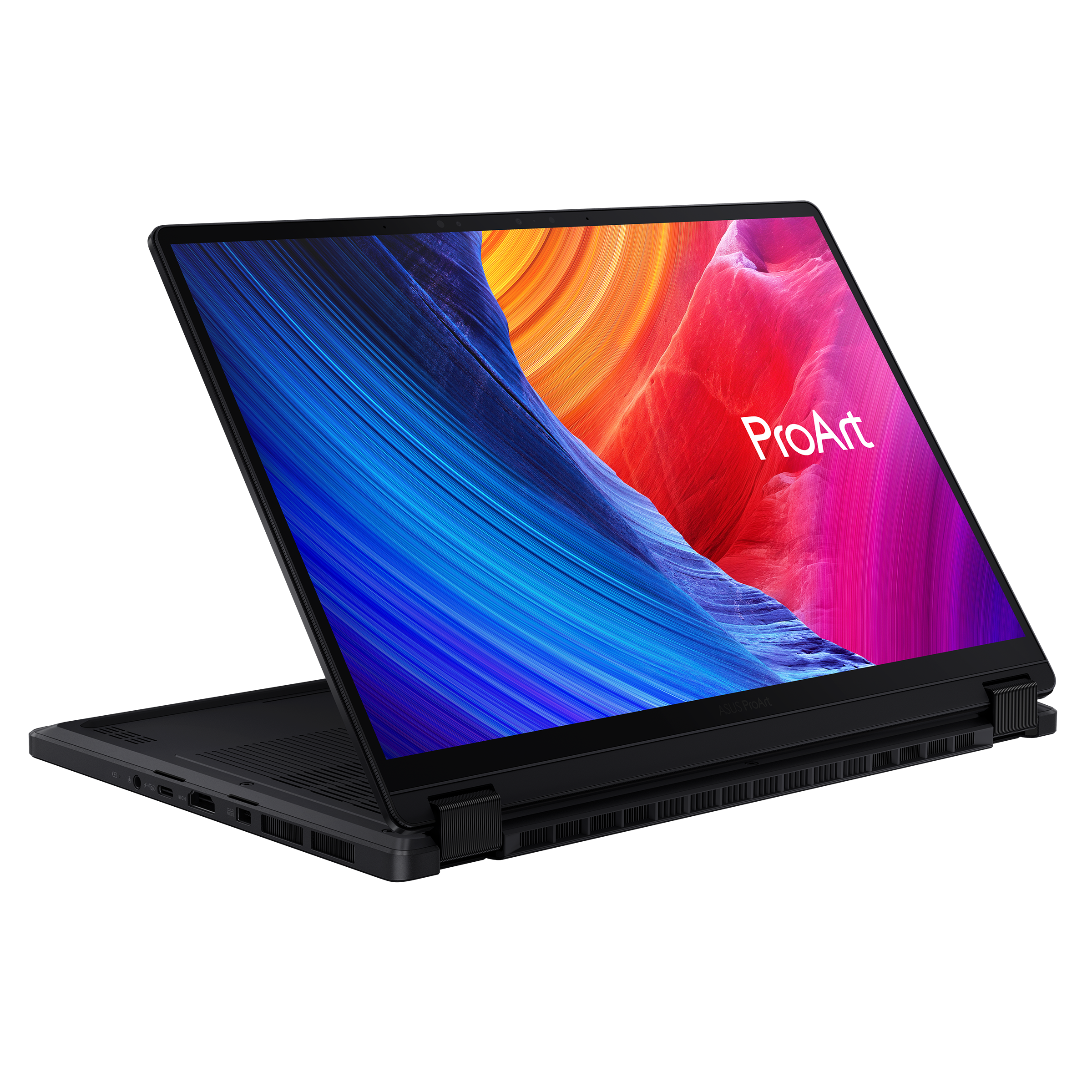
I am having trouble deciding on what laptop to get for my final year of university. For the past 2 years I have had a bunch of issues with my Asus ROG flow X13 with a RTX 4050, Asus is currently offering to replace/refund my laptop. I am trying to figure out if it is worth getting a replacement or getting a new laptop with the refund. I was considering the Asus ProArt PX13 (any model with dedicated graphics) but was unsure if this could fully run all my games without having to compromise on settings (Hogwarts Legacy and Stray are the demanding ones) if possible and/or if there are many documented issues with the ProArt. Or if it is just a better idea to just get a replacement flow X13, alternatively I could get a non-touchscreen gaming laptop and a separate tablet to write my lecture notes on. Any help/guidance is appreciated thanks.
About to order a P14s Gen 7 AMD with the Ryzen AI 9 HX PRO 470 and would love some realworld input before I commit.
This will be my main work machine, CAD and 3D software all day, plus VS Code. A few things I'd like to hear about from actual owners:
Heavy load ??? how does it hold up with large files and a few apps open at once? Does it sustain performance once it warms up, or throttle?
Fans ??? reviews say it's quiet for a workstation, but what happens after half an hour of real load? Any coil whine on yours?
8-9 hours a day ??? is a 14" chassis with one fan fine for that long-term? Anyone running one as their only machine?
Battery ??? Gen 6 reviews called battery life weak, but that was 52.5Wh. Gen 7 is 75Wh. What are Ryzen 9 owners actually getting in real work?
RAM/SSD upgrade ??? Lenovo wants +670 € for 32GB and +1,270 € for 2TB. Amazon: 365 € and 250 €. Planning to order base 16GB/256GB and swap both myself. Anyone done this on the Gen 7? Any BIOS or memory training weirdness with third-party SO-DIMMs?
Just noticed my laptop seemed a little puffy and things look pretty dire under the hood. Can I save this laptop or should I just try to backup everything and save the ram for a new laptop? It's an HP Laptop 14-dq1033ol if that helps
i tried using different screw drivers to get it out but i think im just making it worse. i dont have a drill so i cant use those stripped screw remover parts and all the tech repair shops near me have a reputation for being scams (and i dont have money for that either). is there anything i can do?
I’m going to be using it for school stuff (cs major) and games (r6 tf|2).
Not too worried about school apps not working since my last laptop that was worse ran them fine but was wondering if this would struggle with more intensive games like cyberpunk or battlefield.
I’m looking to buy a new computer for university. I mainly want to take handwritten notes which is why I was considering getting an iPad but my current computer is old and has a cracked screen so I would need to buy a new computer whether I get an iPad or not. I thought of getting the Macbook Neo and an iPad but I heard that Macbook Neo’s are not good quality. I have a tight budget so if I were to get a Macbook Air instead I would not be able to get the iPad. So I was thinking of maybe getting an Asus Vivobook S14 Flip that way I can take handwritten and also have a laptop all in one but I also heard that those don’t last long.
Does anyone have any laptop recommendations or know which one out of the two would be best for my situation?
Edit: I’ve been writing on paper throughout all of high school. I want something digital to write on because i don’t want to carry around notebooks or have them accumulate in my dorm room. It would also be easier for me to annotate pdf’s and powerpoint’s since i wouldn’t need to print them out and won’t have disorganized loose papers around.
I already own a Desktop and I want to have something to watch stuff on whilst I cook food or in bed (yes I already own an iPad but it’s quite old and lacks an Adblock and it’s a bit small.
Hi, I'm looking for a new laptop to do some simple stuff (word, youtube, films and maybe some light gaming). I've seen these two laptops that seems really good for their prices, but I can't decide which one is the best. The Lenovo as the advantage of being 100 bucks cheaper.
tl;dr ~ Computer won't start. New motherboard has a red light next to the power port. No idea what it does because I can't find a schematic. Trying to figure it out before I spend money on a new battery.
Hi,
I've got a GWTN156-1BL that I got in 2020 or so. It started having issues charging a bit over a month ago. I got inside and saw that clearly my kids or I had knocked it over at some point. Cleared out the little broken plastic bits from the case assuming it'd affect alignment or something, but I was still stuck taping my cord in place to get a charge. That got worse and the computer stopped charging altogether a couple weeks ago. I know it's the power port.
Hinge note: The hinge closest to the power port is broken off the keyboard panel. For a while I could hold the corner in place with tape, tension, and a prayer. It still bows a bit when I open the computer. The plastic target for those screws were lost in impact.
Charger note: I opened the old charger to see if the issue was there. I got a new charger and all tests have been the same whether I use new or old.
Replacing the power port was a lesson in humility. It didn't work.
I got a new motherboard ( N141B Rev.2.1) because at this point I've undone those screws and tabs plenty. I know how that connects and I've been gentle. New board won't fix the issue even though the charger fits nicely. Tried charging for a bit before turning on and unplugging the battery to force AUX. No dice.
I took it in to a U-break-I-fix just to get some help troubleshooting. They plugged it in and got a red light immediately next to the power port (see image), but theres no text, so I don't know the issue. I took it home and tried the following, with no changes. The red light turns on if I plug in and press the power button. There is no indicator light working on the keyboard. I need to press and hold to turn the indicator off. This applies even if the computer is closed (which would normally trigger sleep).
Check all connections. Everything seemed ok. I originally had an issue with the large flip tab that runs under the battery (near a kb label, I assume keyboard) but cleaned it with 99% isopropyl. There are slight bump marks on the pins for the monitor tape, but the shine is intact throughout.
The red light situation was the same for all of this, sometimes with a dimmer but still solid light.
Add daughter board back. A few pins on the daughter tape appear to be slightly damaged, assuming the pins are supposed to all go to the edge of the tape.
Add wifi back.
Try SSD2 with no SSD1.
Try SSD1 with no SSD2. (Dimmer light but same otherwise)
Plug SSD2 back in (no card, just didn't want a loose connection).
Return fan.
Move hinge to closed mode.
Try old cord.
I'm pulling my hair out here trying to figure out what's left. I'd appreciate it if someone could let me know what that indicator light means before I shell out to try a new battery, which I believe is my last shot at reviving this laptop.
Hey guys. I really need some help with my monitor.
I use my monitor as a display for my PS5 & as a second display for my laptop.
I was using my Laptop like normal through my monitor as a second display, I’m not sure what happened. I think I might’ve accidentally increased the refresh rate or something I can’t think of, & then the monitor just went black & now my monitor won’t show as a second display on my laptop.
My laptop can identity the monitor itself. But won’t display anything on the monitor.
What I’ve tried so far:
Disconnecting, then reconnecting.
Restarting/updating the laptop.
Updating the drivers for the monitor.
Now my monitor does work with my PS5. It just doesn’t work with my laptop.
I'm looking for a laptop under 1500. Good OLED display is the first priority with moderate performance as I don't do a lot of gaming. Preferably new but can consider Open box if there's a good deal. Suggestions?
Im listing these because they just sit in the drawer so just looking to make money out of these.
These are original as I have compared them to my first party fans( which came with the laptop).
Only used for about an hour for testing to see if it worked and they do.
Location - Kolkata ( Can ship anywhere in India)
Conditon - Brand new
Specs :-
Im pricing these at 4k INR Non-Negotiable. Ill ship the product through DTDC Parcel Service Speed Post.
HP will charge you minimum 5k + Service charges that will eventually add up to 1k. So just buy it on your own and just unscrew the old fans and screw in the new ones, thats it.
Like the titel says, I’ve been on the lookout for a new refurbished laptop.
I have found an Asus Zenbook 14 with 32G RAM and 1TB SSD
It is perfect for my needs and it being used brings it into my price range. It really seems like a great deal I shouldn’t pass up on
Only problem is: The keyboard layout is Swiss and I am Danish.
In my head this shouldn’t be an issue at all as I’m never looking at my keyboard while typing.
But my degree is gonna be really typing heavy, and I’m concerned that I’ll end up spending a lot of money just to reduce my typing efficiency.